Setting Reminders and Email Notifications
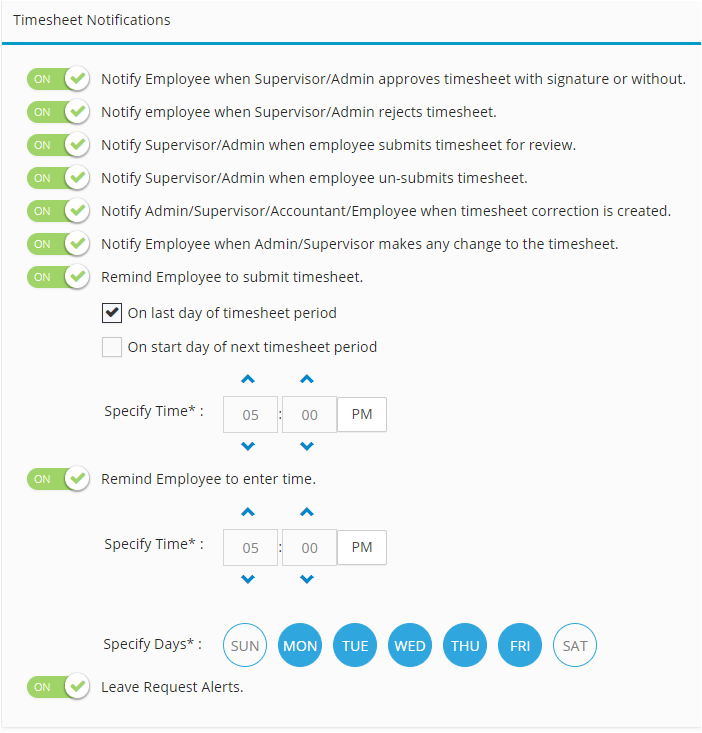
Notifications in Hour Timesheet help you automate reminders for timesheet deadlines, approvals, and other key events. All notifications start in the Off position, and as soon as you turn one On, the system will immediately begin sending alerts based on your settings.
The following notifications are available in Hour Timesheet. By default, they are toggled to the off position for all new accounts.
Login to Hour Timesheet as Admin or Accountant
- Navigate to Settings/Notifications tab
- Toggle rule(s) to On
- Click Update to save changes