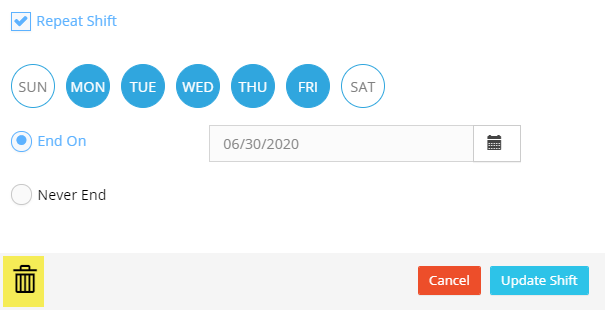
Employee Schedule
Hour Timesheet allows an admin or supervisor to communicate employee shifts and schedules to the employees within Hour Timesheet.
Create Employee Shift
1. Login to Hour Timesheet 2. Navigate to Schedule menu 3. Click the Add New Shift 4. Complete the shift detail form and click Publish Shift
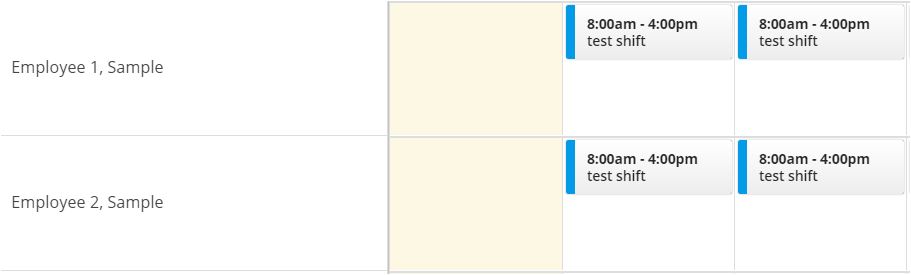
Edit Current Schedule/Shift
1. Login to Hour Timesheet 2. Navigate to Schedule menu
3. Click on the schedule to edit
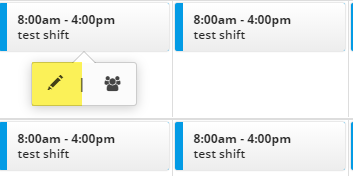
- To edit a single schedule, click the pencil icon
- To edit a schedule for multiple employees clock the people icon
Delete A Schedule/Shift
1. Login to Hour Timesheet 2. Navigate to Schedule menu
3. Click the schedule to delete
- Click the people icon
- Click the trash can to delete the shift